Gothic Text Generator
A plain username or caption can look generic in a space full of gamers, metal fans, and horror aesthetics. A gothic text generator gives it an edge instantly. Type your words above, and this tool converts them into Fraktur-style Unicode letters, the same blackletter look used in old manuscripts and metal band logos, ready to copy and paste anywhere.
These aren't downloaded fonts. Each gothic letter is its own Unicode character, part of the same block used for other decorative math-notation styles, so the look survives in places that don't let you install or change fonts at all.
This page covers how the conversion works, where gothic text displays well, and when to dial it back for readability.
How the Gothic Text Generator Works
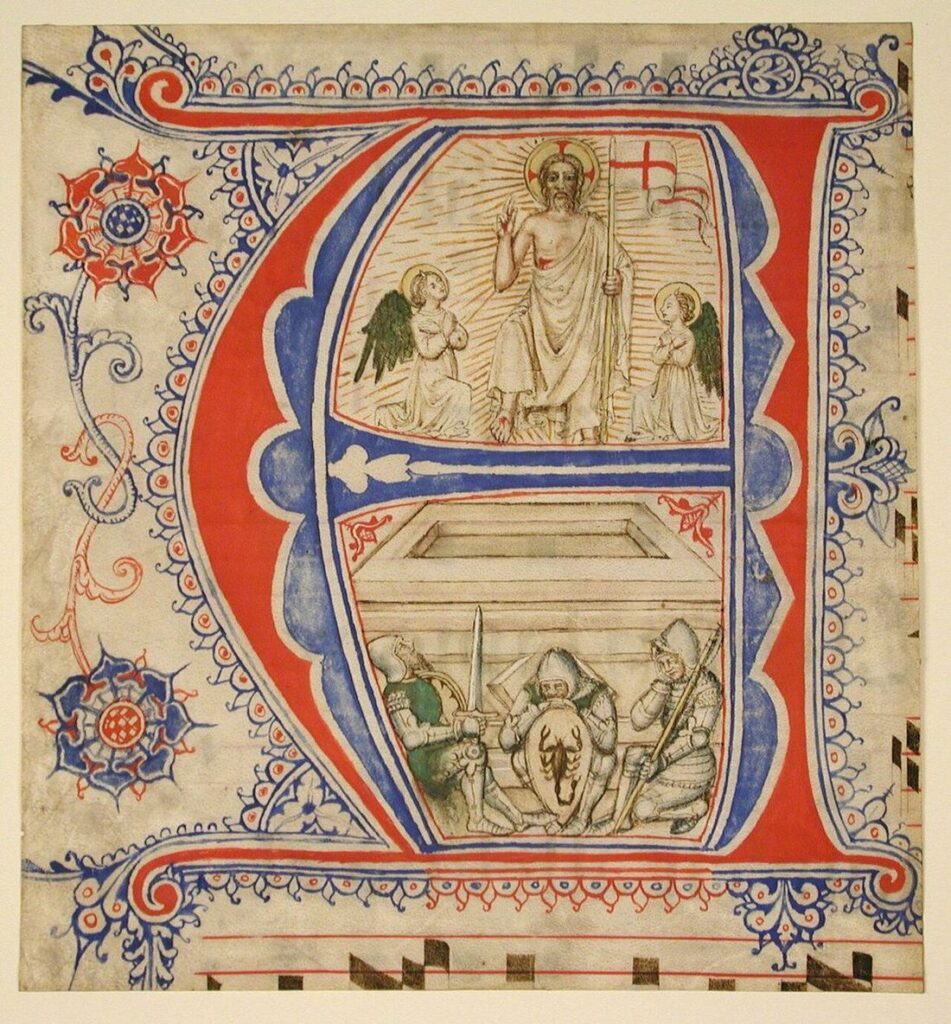
This tool maps your letters to the Unicode Mathematical Fraktur block, a set of characters originally defined for math notation but visually styled after blackletter, the dense, angular script used in medieval European manuscripts and later revived in Gothic-revival printing and metal band logos. That's also why the style is called "Gothic" here, it refers to the blackletter typeface tradition, not Gothic architecture or the Gothic subculture.
Because each letter is a real, individual Unicode character rather than an image or a font file, the converted text can be copied and pasted anywhere plain text works, with no installation needed.
Where Gothic Text Works Best
| Use case | How well it works |
|---|---|
| Gaming usernames and clan tags | Strong, short, stands out, matches gaming aesthetics. |
| Discord server names | Strong, displays consistently, adds visual weight. |
| Instagram captions (short) | Good, works well for a line or two. |
| Long paragraphs | Weak, dense letterforms slow down reading at length. |
| Search fields and usernames elsewhere | Weak, some platforms don't index styled Unicode the same as plain text. |
When to Use Plain Text Instead
Fraktur-style letters are dense and ornate by design, which is part of their appeal for a short tag or title but works against you in anything meant to be read quickly or scanned, like a long comment, an instruction, or a form field. If the content needs to be understood at a glance rather than admired, plain text is the better choice.
Accessibility and Compatibility
Screen readers typically read Unicode Fraktur characters as their underlying math-symbol names rather than as the letters they resemble, which can make gothic text confusing or unreadable for anyone using assistive technology. It's best kept to short, decorative uses, not anything that carries essential information. For more detail across every style on this site, see our Fancy Text Accessibility guide.
Getting a Clean Result
- Use gothic text for short tags, titles, or names, not full paragraphs.
- Test how it displays on the specific platform you're posting to before relying on it.
- Keep a plain-text version of anything important, like contact details or instructions.
More Styles to Try
- Gothic Alphabet, see the full blackletter character set
- Bold Text Generator, a cleaner, high-impact alternative
- Double Struck Text Generator, an outlined, geometric look
- Cursive Text Generator, an elegant, flowing alternative
FAQ
Final Thoughts
A gothic text generator turns a plain tag or title into something that stands out in gaming lobbies, Discord servers, and metal or horror aesthetic pages, using nothing more than real Unicode characters, so it works wherever plain text works.
Use it for short, high-impact text, keep the rest of your content plain and readable, and swap back to plain text whenever something needs to be scanned quickly or read by assistive technology.